
Download DragQueen – free file keeper, dropzone tool, secure file access
Overview
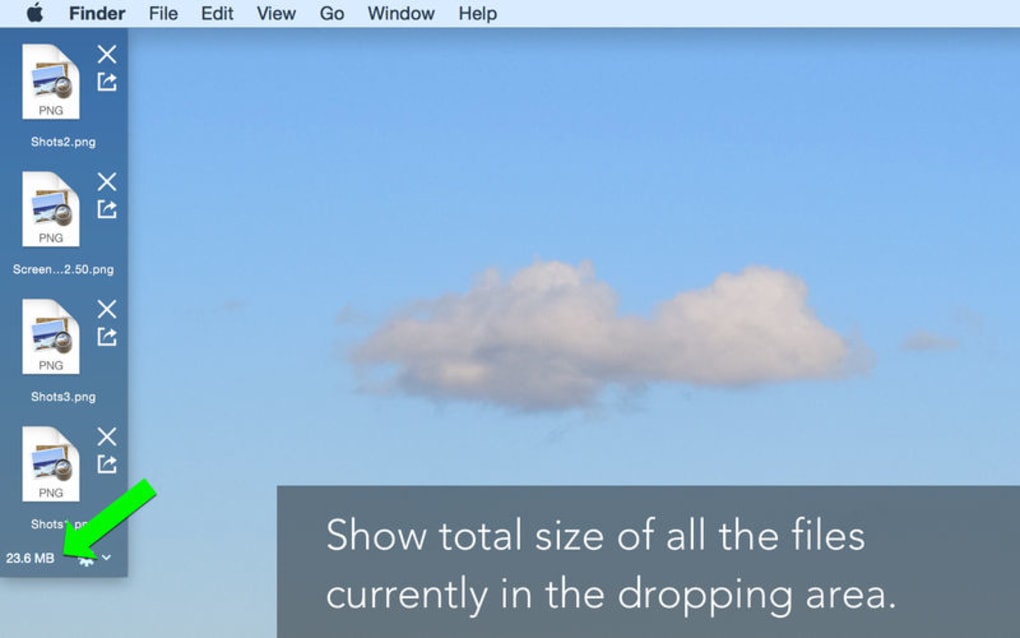
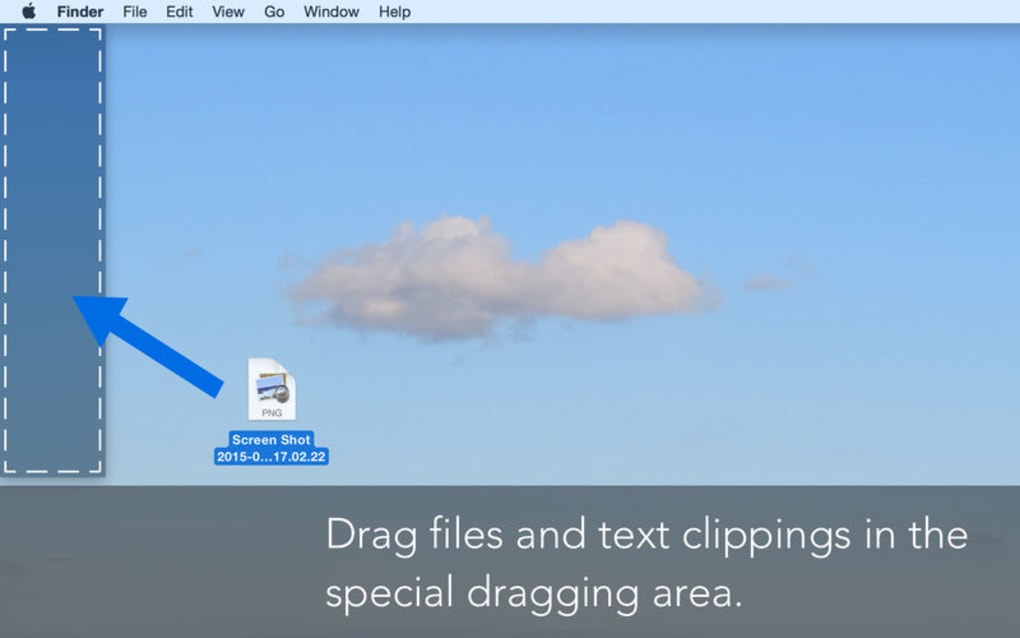
DragQueen is a lightweight, free file‑keeper utility that creates a dedicated “dropzone” on your desktop. This always‑visible area lets you drag‑and‑drop any file from any application that supports the standard Windows drag‑and‑drop interface. Once a file lands in the dropzone, DragQueen displays a clear icon and filename, gives you a single‑click button to open the file, and another to remove it.
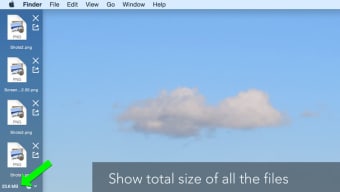
A subtle usage meter at the bottom of the zone tells you the total size of all stored items, helping you keep an eye on disk consumption. The tool is especially handy for designers, developers, and anyone who constantly swaps between documents, images, or code snippets. DragQueen can be set to stay on top of other windows, guaranteeing instant access even when you’re deep inside another program.
While its core functionality is simple, the app is built with security in mind—files remain on your local drive, and the app never uploads anything to the cloud.
Key Features
- Dedicated on‑screen dropzone for instant file access.
- One‑click open and remove actions for each stored item.
- Real‑time size meter displaying the cumulative size of dropped files.
- Always‑on‑top mode to keep the dropzone visible over other applications.
- Supports drag‑and‑drop from any Windows‑compatible program.
- Free to download and use with no hidden fees or subscription.
- Lightweight footprint – uses under 5 MB of RAM after launch.
- Simple, uncluttered UI that respects Windows visual styles.
Installation & Usage Instructions
Getting DragQueen up and running is straightforward, even for users who are not tech‑savvy. Follow these steps to install and start using the dropzone effectively.
Step‑by‑Step Installation
- Download the installer: Visit the official DragQueen website and click the “Download for Windows” button. The file is a small
.exepackage (approximately 4 MB). - Run the installer: Double‑click the downloaded file. Windows may display a security prompt; choose “Run” to proceed.
- Accept the license agreement: Read the brief EULA and click “I Agree” to continue.
- Select installation folder: The default location is
C:\Program Files\DragQueen. You can change it if you prefer a custom path. - Complete the setup: Click “Install.” The progress bar will fill in a few seconds. When finished, you can launch DragQueen immediately or close the installer.
First‑Time Configuration
When DragQueen starts for the first time, a small rectangular zone appears at the bottom‑right of your screen. Right‑click the zone to open the context menu where you can:
- Enable “Always on Top” – Guarantees the dropzone stays above other windows.
- Resize the zone – Drag the edges to make it larger or smaller according to your workflow.
- Clear all items – Instantly removes every file from the zone.
How to Use the Dropzone Effectively
Drag any file—from Explorer, Outlook, Photoshop, or a web browser—onto the Dropzone. The file’s icon and name appear instantly. Hover over an entry to reveal two action icons:
- Open (folder icon): Click to launch the file with its default program.
- Remove (trash bin icon): Click to delete the reference from the zone (the original file stays on disk).
The size meter at the bottom updates in real time, so you always know how much space the temporary collection occupies. When you’re done with a file, simply remove it, or use the “Clear all” command to empty the zone in one click.
Compatibility
DragQueen is built for Windows 10, Windows 11, and earlier versions back to Windows 7 (with Service Pack 1). It runs on both 32‑bit and 64‑bit architectures, though the 64‑bit version is recommended for modern PCs. The application does not require additional runtimes like .NET Framework or Visual C++ redistributables, making it truly plug‑and‑play.
Pros and Cons
What Users Love About DragQueen
- Free and lightweight: No cost, minimal RAM usage.
- Instant access: Files are just a click away, no need to navigate through folders.
- Always‑on‑top option: Keeps the dropzone visible during multitasking.
- Clear UI: Simple icons and a size meter reduce visual clutter.
- Secure local storage: Files never leave your computer.
Areas for Improvement
- Cannot accept web URLs or drag‑and‑drop from browsers directly.
- Long filenames are truncated, making it harder to differentiate similar files.
- Lacks advanced organization features such as folders or tagging.
- No built‑in file preview; you must open files in their native apps.
- Only available for Windows; no macOS, Linux, Android, or iOS versions yet.
DragQueen delivers exactly what its description promises: a fast, free, and secure place to stash files you need right now. The always‑on‑top mode is a real time‑saver for designers juggling multiple assets. While the feature set is modest, it’s stable and reliable. Users looking for deeper organization may outgrow it, but for quick access, DragQueen shines.
FAQ & Conclusion
Is DragQueen truly free or does it have hidden costs?
DragQueen is completely free. There are no hidden fees, subscriptions, or in‑app purchases. The download from the official site provides the full feature set.
Can I use DragQueen on macOS or Linux?
Currently DragQueen is only available for Windows (7, 10, 11). A macOS or Linux version has not been announced, but the developer has indicated interest in cross‑platform support for future releases.
What happens to the original files after I remove them from the dropzone?
Removing a file from DragQueen only clears the reference in the dropzone. The original file remains untouched on your hard drive.
Can DragQueen handle large files or folders?
Yes, DragQueen can store any file type regardless of size, but the bottom size meter will show the total space used. Very large collections may affect performance on low‑spec machines.
Is there any way to customize the appearance of the dropzone?
The current version offers basic resizing and the always‑on‑top toggle. Theme or color customization is not yet supported, though it is on the developer’s roadmap.
Final Verdict
DragQueen excels as a no‑frills, free utility that solves a very specific problem: giving you a permanent, on‑screen shortcut to the files you need right now. Its lightweight design, always‑on‑top option, and real‑time size monitoring make it a practical addition to any Windows workstation. While power users may crave deeper organization features, the simplicity is precisely what keeps DragQueen fast and reliable. If you frequently switch between documents, images, or code snippets, installing DragQueen can shave precious seconds off your workflow.
Ready to streamline your file access? Free – USD – click the download button now and start keeping your most important files just a drag away.







